In short
- A NAS stacks disks, mdadm RAID, LVM and a file system: a failure can start at any level.
- Rebuilds, resets and moving disks to another unit are the most damaging reactions.
- Protect it with NAS-rated disks, working alerts, a UPS, no direct internet exposure and an offline backup.
What is inside a NAS
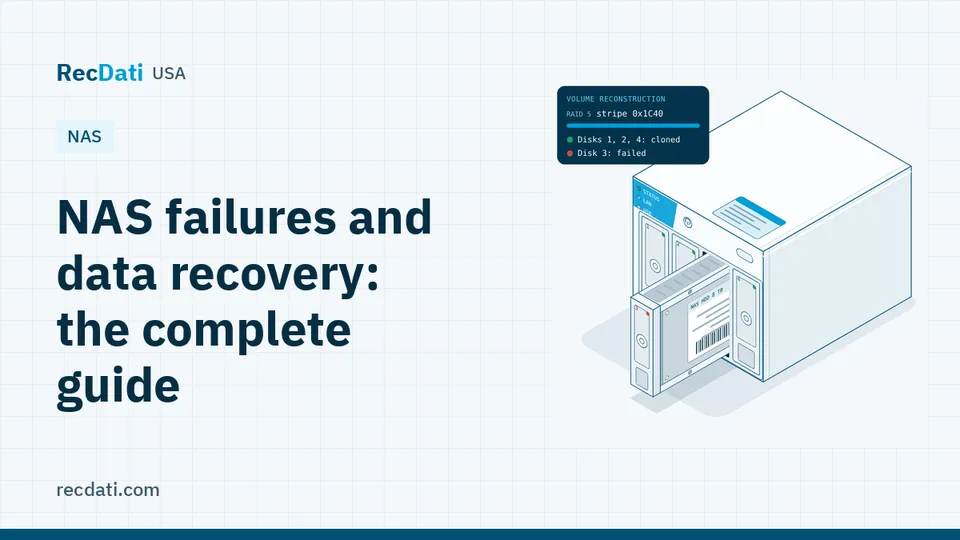
A Synology, QNAP, Asustor, TerraMaster or Netgear ReadyNAS runs Linux. The disks are partitioned, the partitions are grouped into RAID arrays with mdadm (or a ZFS pool on QuTS hero and TrueNAS), combined with LVM, then formatted with ext4, Btrfs or XFS. The data can be read without the enclosure, but only by rebuilding each layer correctly.
The most common failures
- A disk fails and a second one fails during the rebuild: see Synology volume crashed: what DSM is telling you and what to do and QNAP storage pool inactive: causes, safe checks and recovery.
- A power outage during writes corrupts the RAID metadata or the file system: see Power outages and surges: how to protect drives, NAS and servers.
- The NAS itself fails: power supply, motherboard, or the Intel Atom C2000 clock fault that affected many units around 2017. The disks are usually fine.
- A firmware update goes wrong and the NAS no longer finds its volumes.
- Ransomware reaches the NAS through an exposed service or a compromised computer.
- Accidental deletion of a share or a whole volume.
Mistakes that make recovery harder
- Starting a rebuild on a degraded array without copying the data first.
- Resetting or reinstalling the NAS, which can recreate empty volumes.
- Moving the disks into another model and accepting its offer to "repair" or migrate them.
- Changing the order of the disks.
- Running recovery software that writes to the disks.
Protecting your NAS
Use the right disks
NAS-rated disks (WD Red Plus or Pro, Seagate IronWolf, Toshiba N300) are designed for constant use and for RAID. Avoid SMR disks in RAID: rebuilds on them are slow and prone to timeouts.
Turn on alerts and regular checks
Configure email or app notifications, schedule SMART tests and data scrubbing, and look at the storage status once a month.
Add a UPS and configure the shutdown
Connect a UPS by USB and enable the safe shutdown in the NAS settings, then test it.
Do not expose it to the internet
Avoid port forwarding to the NAS interface and to services like SMB, use the manufacturer's secure remote access or a VPN, enable two-factor authentication and apply updates promptly. Synology and QNAP both publish security advisories. CISA's Cyber Essentials covers the basics in plain English.
Keep a backup the NAS cannot delete
Snapshots help against ransomware and deletion, but they live on the same disks. Keep at least one copy on a separate device or in the cloud with versioning, and ideally one copy offline.
When your NAS fails
Switch it off cleanly, note the messages, label the disks with their slot numbers and do not try a rebuild or a reset. Our lab recovers data from every brand of NAS from the disks alone: see NAS data recovery.
Frequently asked questions
Is a NAS with RAID a backup?
No. RAID keeps the NAS working if a disk fails, but deletions, corruption and ransomware are applied to every disk at once. A backup is a separate copy, on another device.
Do you need the NAS enclosure to recover the data?
No, the disks are enough in nearly every case. Number them in slot order. If the volumes were encrypted, we will also need the key or the password.
Official sources and useful links
- CISA: StopRansomware: The federal cybersecurity agency's ransomware guide, alerts and reporting channels.
Is your data important?
Do not try anything that could make the fault worse. The diagnosis is free and you get a fixed quote before any work starts.