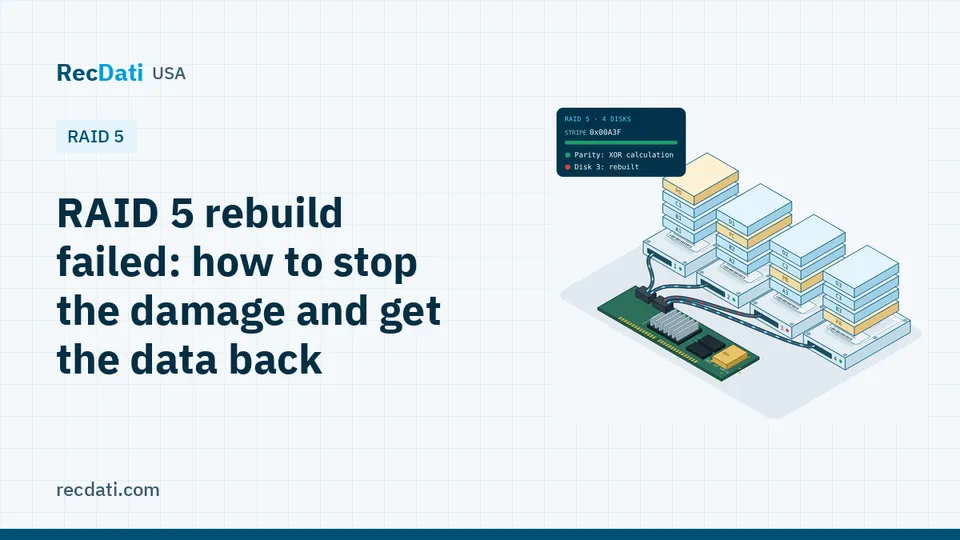
In short
- Most failed rebuilds involve one drive that left the array long ago and one with a handful of unreadable sectors, not two dead drives.
- Power the array down cleanly and do not start a second rebuild, a forced resync or a re-initialization.
- A lab images every member, identifies the out-of-date drive and rebuilds the array virtually from the copies.
What a rebuild actually does
A RAID 5 spreads data and parity across all its members, so the content of any single drive can be calculated from the others. While one drive is missing, the controller does that calculation on every read: the array is degraded but still online. When a new drive goes in, the controller recreates the missing member in full, which means reading every block of every surviving drive without a single error.
That full read is the stress test the array never had. Drives bought together tend to wear out together, and desktop-class disks are rated for one unrecoverable read error per 10^14 bits, about 12.5 TB of reading. On an array of four or five large drives, the odds of meeting one weak sector during a rebuild are far from small. Many controllers, and most NAS units, respond to that single error by failing the whole volume.
The long-term failure statistics published by Backblaze show how strongly failure rates rise with age and how much they vary between models, which is why arrays built from one batch so often lose a second drive soon after the first.
Three situations we see again and again
- The silent first failure. One drive dropped out weeks or months ago, nobody saw the alert, and the array ran degraded. The drive that "failed today" is really the second one, and the first holds stale data.
- A weak drive found during the rebuild. One of the survivors has a few unreadable sectors. It is not dead, but the rebuild cannot get past them and the controller gives up.
- The wrong drive replaced. A healthy member was pulled instead of the failed one, so the array lost two members at once.
What to avoid right now
- Starting the rebuild again. Every pass hammers the weak drive and can turn a few bad sectors into a failed head.
- Forcing a drive back into the array when you do not know when it left. Old and current data mixed together corrupt the file system without any warning.
- Choosing "create", "initialize" or "new array" in the controller BIOS or the NAS interface, even with identical settings.
- Running CHKDSK, fsck or any repair tool on the degraded volume.
- Shuffling the drives. Note or label the slot of each one before anything comes out.
How the array is recovered in our lab
Imaging each member
Every drive is copied sector by sector with hardware imagers that read the healthy areas first and return to the difficult ones with gentler settings. Drives with a mechanical fault are opened in the ISO certified cleanroom of our partner laboratory before they are imaged. After that point the originals are not used again.
Working out the geometry
From the images we determine the drive order, the stripe or chunk size, the parity rotation and the start offset of the data. On Linux software RAID, the mdadm metadata records most of this, including an event counter that shows exactly which member fell out of step first.
Rebuilding without the stale member
The array is assembled in software from the images, leaving out the drive with old data. Where a surviving drive has unreadable sectors, those blocks are recalculated from parity. Unless two drives are unreadable at the same position, nothing is lost.
Checking the file system and the files
The rebuilt volume is mounted read-only, the file system (NTFS, ext4, Btrfs, XFS or VMFS) is checked and the files are copied out. You receive the list of recovered files before you decide anything.
Making sure it does not happen again
- For more than four or five large drives, choose RAID 6 or RAID 10 rather than RAID 5.
- Make sure alerts actually reach someone, by email or on a phone, so a degraded array is dealt with the same day.
- Schedule regular scrubbing so weak sectors show up while there is still redundancy.
- Keep a separate backup, ideally one copy offline, as CISA recommends. RAID does not protect against a failed rebuild, deletion or ransomware.
Background on every RAID level is in RAID explained: levels, failures and data recovery. If the array lives in a NAS, see Synology volume crashed: what DSM is telling you and what to do and QNAP storage pool inactive: causes, safe checks and recovery.
Frequently asked questions
Can data be recovered from a RAID 5 with two failed drives?
In most cases, yes. The two drives are rarely unreadable in the same places, so once both are imaged, one fills the gaps of the other. The real risk is further rebuild attempts before the drives are copied.
Should I swap the second drive and let the rebuild run again?
No. Without a full image of the weak drive, a second rebuild can finish it off. Shut the array down and have every member cloned first.
How long does a RAID 5 recovery take?
Usually between a few days and two weeks, depending on the number and size of the drives and their condition. The courier pickup is free anywhere in the US, and the Standard ($99) and Emergency ($199, diagnosis within 24 to 48 hours) service levels shorten the wait.
Official sources and useful links
- Linux kernel documentation: RAID arrays (md): Reference documentation for Linux software RAID (mdadm).
Is your data important?
Do not try anything that could make the fault worse. The diagnosis is free and you get a fixed quote before any work starts.