In short
- A few bad sectors often mean the drive is starting to fail, and the number usually grows.
- CHKDSK /r and repair tools hide sectors from the file system; they do not recover the data in them.
- Copy the data first, ideally with an image made by tools that handle read errors gently.
What a bad sector is
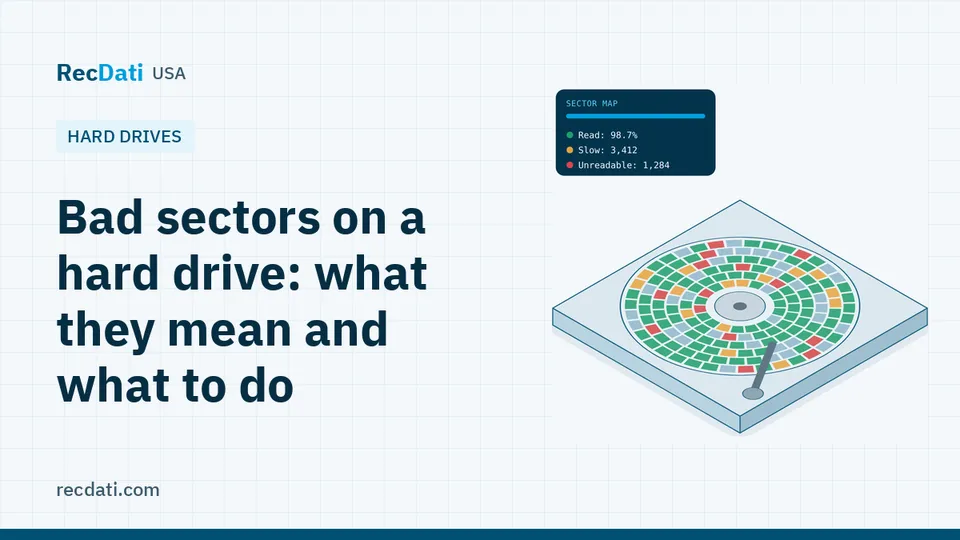
A hard drive stores data in sectors of 512 or 4,096 bytes. When the drive cannot read a sector reliably, it retries, then reports an error. The drive keeps spare sectors and reallocates a failing sector when it next writes to it. Monitoring tools show this in the SMART attributes: Reallocated Sectors Count, Current Pending Sectors and Uncorrectable Sector Count.
A handful of reallocated sectors on an old drive can stay stable for years. Pending sectors that keep increasing, or new errors every week, mean the drive is degrading. Large-scale drive data, such as Backblaze's published statistics, shows that drives with growing reallocated or pending sector counts fail far more often than others.
Why "repair" does not bring the data back
- CHKDSK /r reads the whole disk, marks unreadable clusters as bad in the file system and moves what it can read, as described in Microsoft's CHKDSK documentation. On a weak drive, hours of intensive reading can push it into failure.
- Low-level tools that "regenerate" or "repair" sectors write to them, which forces the drive to reallocate them. Whatever was stored there is replaced.
- Neither recovers the content of a sector that cannot be read. They make the file system consistent again, sometimes by deleting the damaged entries.
The right order
- Stop using the drive for anything other than copying data.
- Copy the most important files first, to another drive, if the drive still works normally.
- If copying stalls or errors appear, stop. A failing drive should be imaged with tools that skip bad areas and come back to them later, limiting the stress on weak heads.
- Only then decide whether to replace the drive. A drive with growing bad sectors belongs in the recycling, not back in service.
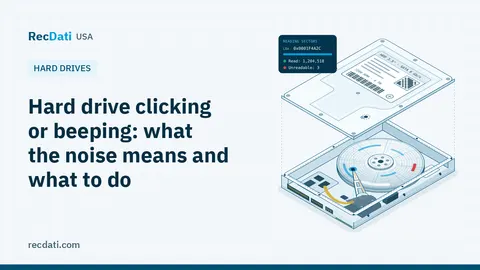
If the drive also clicks or disappears, read Hard drive clicking or beeping: what the noise means and what to do. Our lab service for drives with bad sectors is on hard drive data recovery.
Frequently asked questions
Can bad sectors be fixed?
The drive can hide them by reallocating them to spare sectors, but that does not save the data stored there and does not stop the underlying wear. Treat a drive with growing bad sectors as one that is failing.
Should I run CHKDSK on a drive with bad sectors?
Not before the data is copied. CHKDSK /r reads the whole drive intensively and changes the file system. On a weak drive, it can cause more damage than it repairs.
Official sources and useful links
- Microsoft Support: Official Windows help: Recycle Bin, File History, disk tools.
Is your data important?
Do not try anything that could make the fault worse. The diagnosis is free and you get a fixed quote before any work starts.