In short
- Deleting, emptying the trash and quick formatting leave the data recoverable.
- One full overwrite is enough for a hard drive; SSDs and phones need encryption and a factory reset or the drive's own sanitize command.
- Businesses must be able to show that personal data was destroyed, under the FTC Disposal Rule, HIPAA and state laws.
What does not erase data
- Deleting files and emptying the Recycle Bin or the Trash.
- A quick format, or reinstalling the operating system.
- Removing the partition in Disk Management.
- On an SSD, overwriting files with "shredder" programs: wear leveling writes the new data elsewhere and the old blocks can survive.
Hard drives
A single full overwrite of every sector makes the data unrecoverable on modern hard drives. Use a tool that writes the whole drive, not just the free space, and verify it finished without errors. Drives that no longer work cannot be overwritten: they must be physically destroyed (shredded or degaussed and destroyed). NIST's Guidelines for Media Sanitization (SP 800-88) set out the options for each type of media.
SSDs, USB flash drives and memory cards
- On an SSD, use the drive's built-in Secure Erase or Sanitize command through the manufacturer's tool, or the encryption method below.
- Encrypt, then reset: turn on BitLocker on Windows or FileVault on a Mac before disposal, then erase the drive. Destroying the encryption key makes the remaining data unreadable.
- USB flash drives and memory cards do not have reliable erase commands. If they held sensitive data, physical destruction is the safe option.
Phones and tablets
Modern iPhones and Android phones are encrypted by default. A factory reset destroys the encryption key, which makes the data unreadable. Before resetting:
- remove the phone from your Apple Account (Find My) or Google account, so it is not locked to you;
- back up what you need;
- remove the SIM and any memory card, which is not covered by the reset.
For businesses: US disposal rules
The FTC's Disposal Rule requires businesses that use consumer report information to destroy it securely, HIPAA requires the same for health information, and many states have their own data disposal laws. In every case, organizations must protect personal data until it is destroyed and be able to demonstrate how it was done. In practice:
- keep an inventory of devices and their serial numbers;
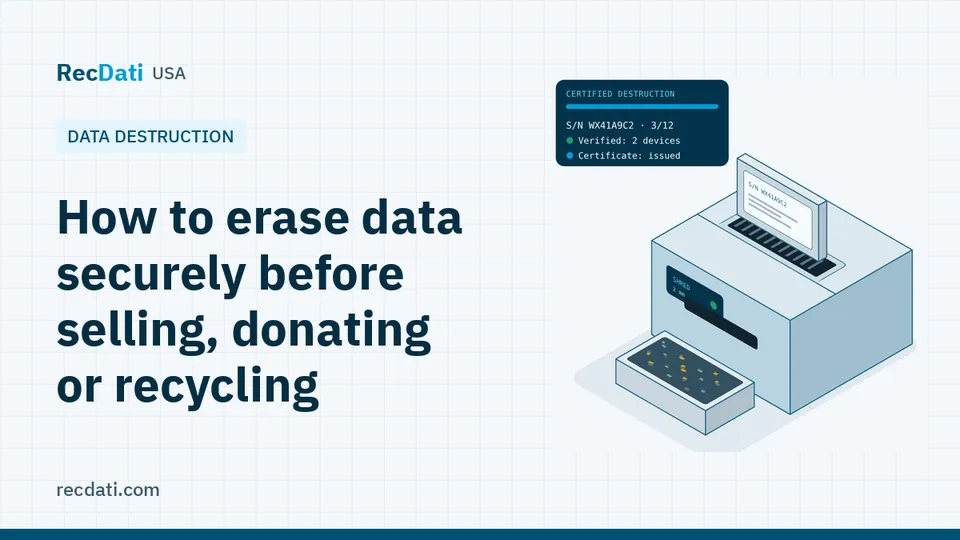
- use a disposal company that issues a certificate of destruction per device;
- recycle the hardware through a certified electronics recycler (R2 or e-Stewards); households can find options through the EPA's electronics donation and recycling page.
Our certified destruction service, with a certificate for each device, is described on secure data destruction. If you erased something by mistake, read Formatted the wrong drive by mistake: how to recover the files.
Frequently asked questions
Is a factory reset enough before selling a phone?
On a modern iPhone or Android phone with encryption turned on (the default for several years), yes, provided you first sign out of your Apple or Google account and remove any memory card.
How many overwrite passes does a hard drive need?
One full pass is enough on modern hard drives. Multiple passes date from much older drive technology. What matters is that every sector is overwritten and that the process is verified.
Official sources and useful links
- Federal Trade Commission: data breach response: The FTC's guide for businesses after a data breach: securing systems, notifying people and law enforcement.
- California Consumer Privacy Act (CCPA): The California Attorney General's page on the CCPA: consumer rights and business obligations.
- NIST SP 800-88: Guidelines for Media Sanitization: The US reference standard for clearing, purging and destroying data on storage media.
- EPA: electronics donation and recycling: How to donate or recycle old electronics safely in the United States.
Is your data important?
Do not try anything that could make the fault worse. The diagnosis is free and you get a fixed quote before any work starts.
Request a free diagnosis Secure data destruction data recovery