In short
- Switch the drive off straight away and do not power it on again to 'check'.
- Clicking usually means a head problem, beeping a stuck motor, grinding contact with the platters.
- A clicking drive is opened and repaired in a cleanroom, then imaged; the data can usually be saved.
Switch it off now
Every time a faulty drive powers up, it tries to load its heads and read its firmware. If a head is damaged, each attempt can scratch the platter a little more. Unplug the drive, or shut down the computer or NAS, and resist the urge to try it on another machine.
What each sound means
Regular clicking or ticking
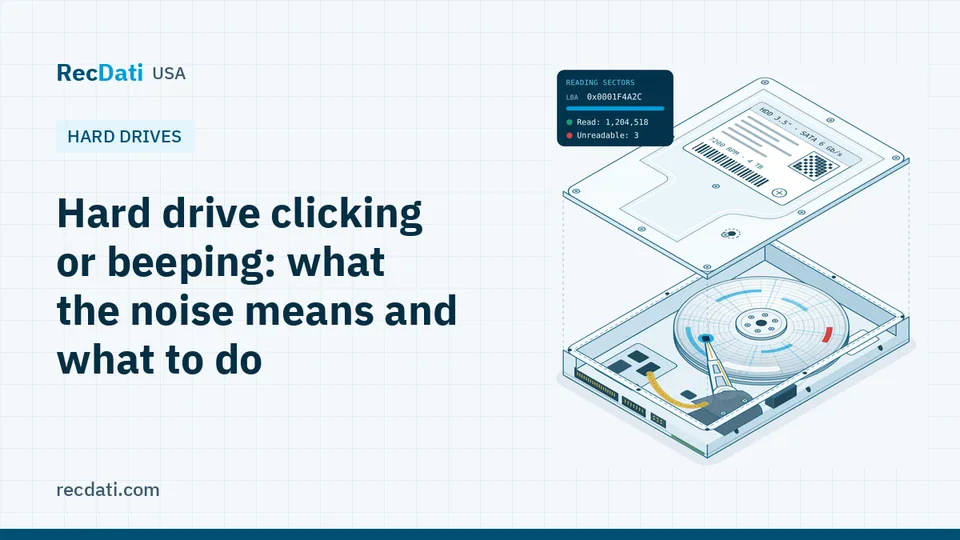
The heads move out, fail to read the servo information they need, return to their parking position and try again. This loop is the classic click of death. The cause is usually a failed head, sometimes a firmware or electronics fault, occasionally a platter surface that can no longer be read.
Beeping or buzzing
The spindle motor is trying to start but cannot. The heads may be stuck to the platter surface (common after a drop or a long time in storage), or the motor bearing has seized. On 2.5-inch drives from laptops and external drives, this is one of the most frequent faults.
Grinding or scraping
Something is physically touching the platters, usually a head that has broken or come loose. This is the most urgent case: the longer it runs, the more of the magnetic surface is turned to dust.
What not to do
- Do not put the drive in the freezer. Condensation forms on the platters and makes things worse.
- Do not tap or knock the drive, and do not open it at home: a single dust particle is enough to crash new heads.
- Do not swap the circuit board for one from another drive. Modern boards carry calibration data unique to each drive.
- Do not run recovery software. It cannot fix a mechanical fault and keeps the heads working on damaged areas.
How a clicking drive is recovered
In the ISO certified cleanroom of our partner laboratory, the drive is opened and the heads and platters are inspected. Damaged heads are replaced with matching parts from a donor drive, the drive's firmware is checked, and the drive is imaged with hardware that reads healthy areas first and limits the stress on weak ones. The files are then extracted from the image, and you see the list before paying.
The drive's own diagnostics (SMART values) can warn you before a drive fails, but not every failure gives notice. A backup on a separate device, preferably with one copy kept offline as CISA advises, is the only real protection.
If the drive is silent rather than noisy, read External hard drive not detected: checks to do and mistakes to avoid. Prices and service levels are on hard drive data recovery.
Frequently asked questions
Can data be recovered from a clicking hard drive?
In most cases, yes, provided the drive was switched off quickly. The heads are replaced in a cleanroom and the drive is imaged. The more it ran while clicking, the more surface damage there may be.
How much does it cost to recover a clicking drive?
A clicking drive needs a mechanical recovery, which we quote from $700 to $1,000 depending on the drive and the damage. The diagnosis and the courier pickup are free, and nothing is charged if no useful data is recovered.
Is your data important?
Do not try anything that could make the fault worse. The diagnosis is free and you get a fixed quote before any work starts.