In short
- Check the lock switch on SD adapters, Windows settings and the Diskpart read-only attribute.
- A USB flash drive or SSD that turns read-only by itself is often at the end of its life.
- Copy the files while they can still be read, and do not try to force the device back to write mode.
The simple causes
- The lock switch on the side of an SD card or a microSD adapter is in the Lock position. Slide it up. A loose switch on a worn adapter can also trigger the lock.
- The read-only attribute is set on the volume. In Diskpart,
attributes diskandattributes volumeshow it; Microsoft's Diskpart reference explains how to clear it on a healthy device. - A Windows policy (Group Policy or the registry) blocks writing to removable storage. This is common on work laptops, where it is set deliberately by IT.
- A file system error makes Windows mount the volume read-only until it is checked.
- The file is too large: a FAT32 stick cannot hold a file over 4 GB, which some tools report confusingly.
When the device protects itself
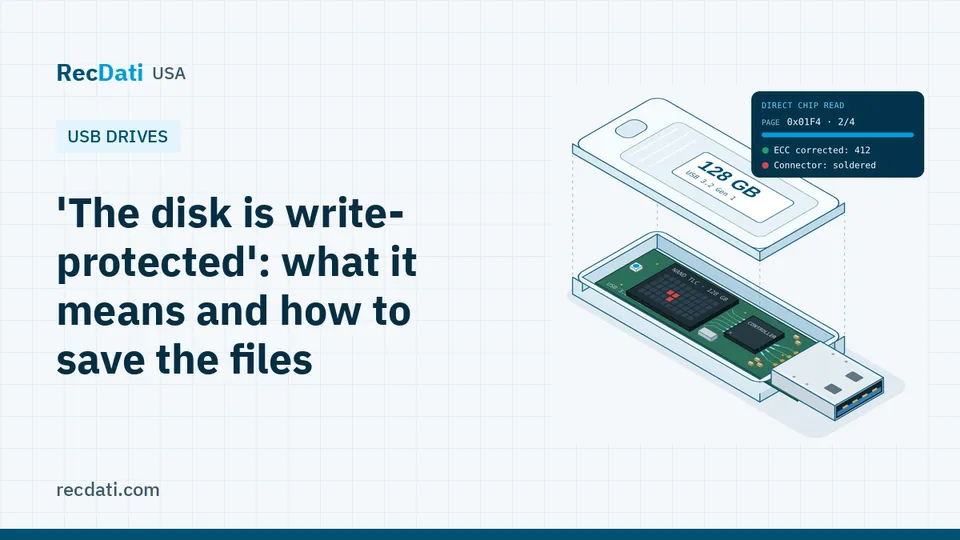
Flash memory wears out with each write. When a USB flash drive, a memory card or an SSD runs out of spare blocks, or its controller detects errors it cannot correct, many models switch permanently to read-only. This is deliberate: the controller stops accepting writes so that the data already stored can still be read.
In that case, no software can make the device writable again, and attempts to "repair" or format it can make the controller fail completely.
When the files will not copy either
If the device is read-only and copying also fails, freezes or produces corrupted files, the memory is degrading further. Stop the attempts. A lab can read the memory chips directly, or use the controller's test modes, to recover the files. See USB flash drive data recovery and SD card data recovery.
What not to do
- Do not use formatting or "unlocking" utilities downloaded from unknown websites.
- Do not repeatedly unplug and reconnect a device that is failing.
- Do not run CHKDSK on a device that the controller has locked.
For SSDs that turn read-only, the causes and recovery are similar to those in SSD not detected: why it happens and how the data is recovered.
Frequently asked questions
Can a write-protected USB flash drive be repaired?
If the protection comes from a switch, an attribute or a policy, yes. If the controller locked itself because the memory is worn out, no: the device should only be used to copy the data off, then replaced.
Is my data lost when a stick turns write-protected?
Usually not. The read-only mode is designed to keep the existing data readable. Copy it as soon as possible, before the device degrades further.
Official sources and useful links
- Microsoft Support: Official Windows help: Recycle Bin, File History, disk tools.
Is your data important?
Do not try anything that could make the fault worse. The diagnosis is free and you get a fixed quote before any work starts.